How do I submit a Problem Report?
The fastest way to report a problem is directly from VueScan. Go to Help | Problem Report in the menu bar to open the Problem Report dialog.
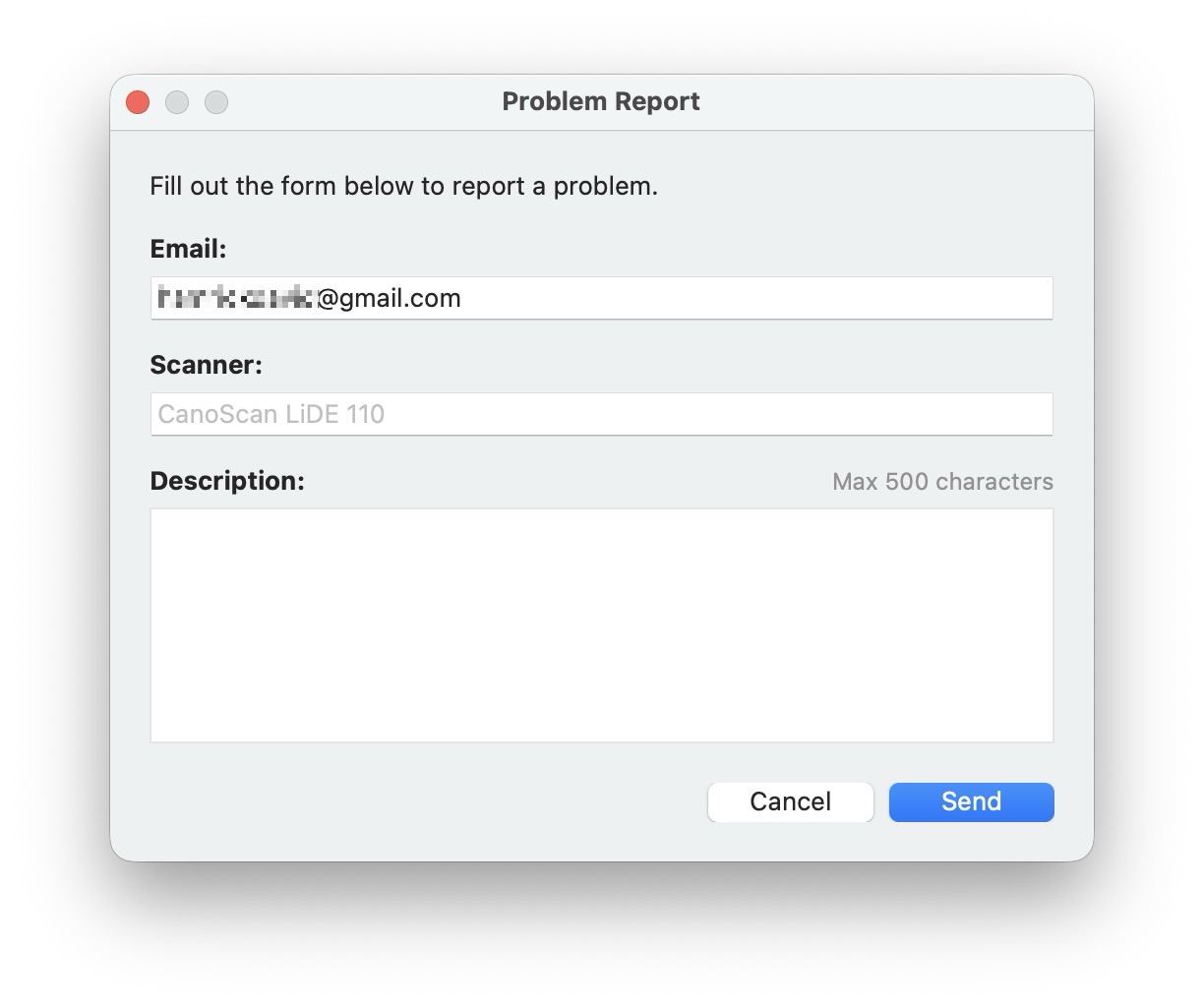
Fill in your email address, your scanner model, and a short description of the problem, then click Send. VueScan will automatically attach your vuescan.log file to the report.
We personally read and respond to every problem report.
Why vuescan.log matters
The vuescan.log file is a detailed record of everything VueScan did during your session — which scanner was detected, what settings were used, what commands were sent to the scanner, and where things went wrong. It is the single most important thing we need to diagnose your issue. Without it, we’re guessing. With it, we can usually pinpoint the problem quickly.
The log file is always written to disk, even if VueScan hangs or crashes. When you use the in-app Problem Report dialog, it gets attached automatically so you don’t have to find it yourself.
Submitting from our website
If you can’t use the in-app dialog — for example, if VueScan won’t start — you can submit a problem report using the form on our website. In that case you’ll need to locate and attach vuescan.log manually:
- Mac:
Pictures/VueScan/vuescan.log - Windows:
Pictures\VueScan\vuescan.log - Linux:
~/.vuescan/vuescan.log
Please send vuescan.log as-is — don’t compress it into a .zip or other archive format. For more details on finding the log file, see How can I find VueScan.log.
Tips before submitting
Many common problems have quick fixes:
- Try
File \| Default Optionsfirst. This resets VueScan to its default settings and solves more than half of reported issues. - USB scanner not detected? Try a different USB cable or USB port, or turn the scanner off and back on.
- Network scanner not detected? Check that your firewall isn’t blocking VueScan.
- Registration info doesn’t work? Make sure you type your email address exactly as it appears on your receipt.
- Check if your scanner is supported. See the full list at Supported Scanners.